Video maker
You have a short script but need a spoken draft before editing the timeline.
Turn the script into a narration concept and judge pacing before recording.
voice ai text to speechFocused voice creation
A free ai voice generator gives you a direct path from written words to spoken audio. Describe the voice task you have in mind, then hand the prompt to the product for the next step.
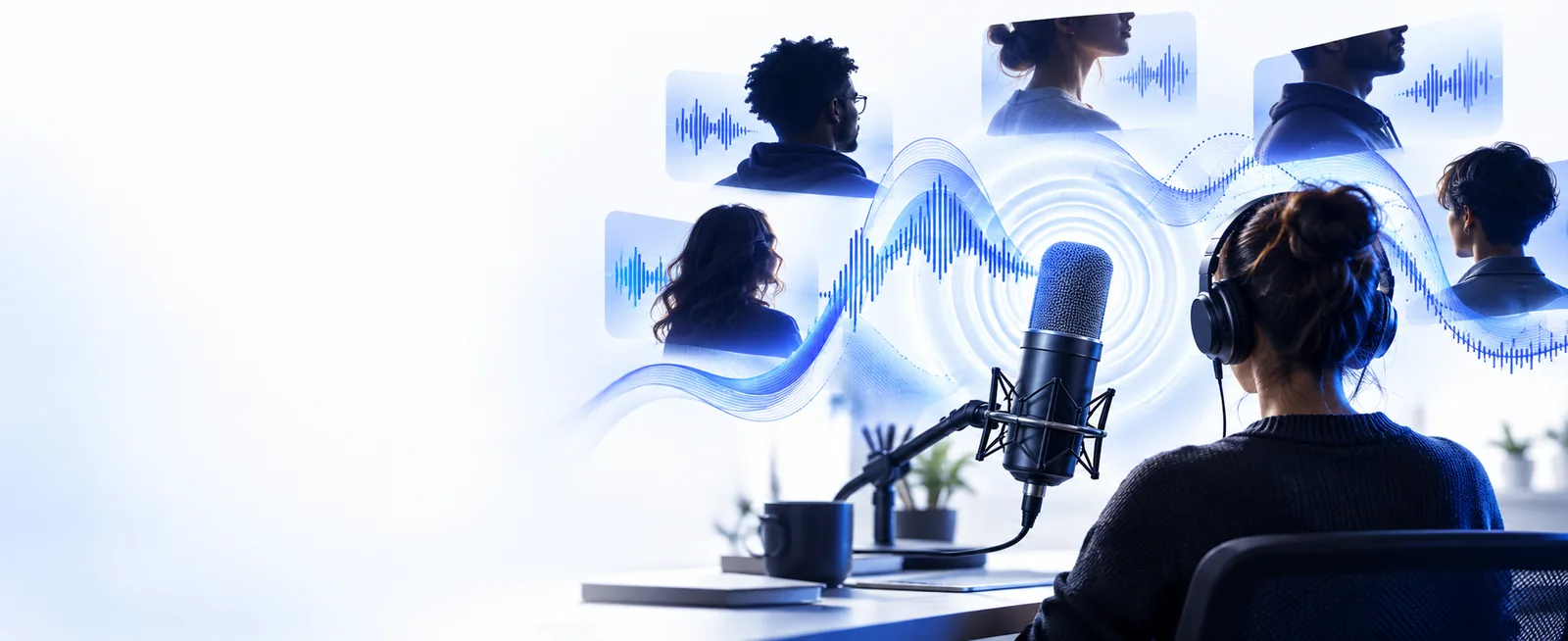
Choose the route that matches your intent: this page focuses on generating spoken output, while broader voice AI pages cover adjacent workflows.
This focused route is useful when you want a practical result rather than a tour of every possible voice workflow.
You have a short script but need a spoken draft before editing the timeline.
Turn the script into a narration concept and judge pacing before recording.
voice ai text to speechYou need an approachable voice for a lesson, recap, or pronunciation example.
Shape the delivery around the lesson instead of searching through unrelated voice features.
text to voice aiYou want placeholder dialogue for a character or scene during early development.
Move from dialogue notes to a listenable reference that helps the team review tone.
free voice aiYou are testing an intro, transition, or short announcement before committing to a take.
Hear whether the wording works aloud and revise the copy while the idea is still flexible.
free voice aiKeep the first attempt narrow. A clear use case and a short sample make it easier to evaluate the result.
Write what the audio is for, who will hear it, and the general delivery you want. Include the script or a compact excerpt if it matters.
Select the action in the voice workspace and pass along the focused request. Avoid stacking several unrelated voice tasks into one instruction.
Listen for clarity, pacing, pronunciation, and fit with the project. Revise the wording or direction before expanding the piece.
A focused generator is not a guarantee of a finished production. Know what still needs your judgment before you rely on the result.
Generated speech may sound unsuitable for your audience, even when the words are correct.
WorkaroundListen to the complete take and revise wording, emphasis, and pronunciation before publishing.
A generated voice should not be treated as evidence that a person approved the content or authorized a likeness.
WorkaroundUse voices and scripts responsibly, and obtain the permissions your project requires.
A voice result does not automatically solve music, effects, room tone, mastering, or final loudness.
WorkaroundBring the spoken track into your normal editing workflow for production and quality control.
The first output can miss the intended pace, mood, or pronunciation.
WorkaroundUse shorter instructions, provide context, and make one targeted change at a time.
The distinction is simple: one route is organized around a voice-generation task, while the broader route leaves the starting point open.
Focused generator route
General voice AI route
Focused generator route
Create spoken audio from a defined request
General voice AI route
Explore voice AI capabilities broadly
Focused generator route
A short script or concrete voice brief
General voice AI route
A general question or open-ended idea
Focused generator route
How should this content sound?
General voice AI route
Which voice workflow fits the need?
Focused generator route
Narration, dialogue drafts, lessons, and intros
General voice AI route
Comparing generation, conversion, and voice tools
Focused generator route
Clarity, pacing, delivery, and pronunciation
General voice AI route
Feature fit and the next workflow to try
Focused generator route
Less useful when the task is still undefined
General voice AI route
Less direct when you already know you need spoken output
Focused generator route
Refine the prompt and review the take
General voice AI route
Narrow the task before choosing a tool
The route is designed around a small number of decisions: define the request, generate a take, and review whether it works for the audience.
The difference between an unclear request and a useful one is usually specificity, not length.
Specific direction gives the review a clear target.
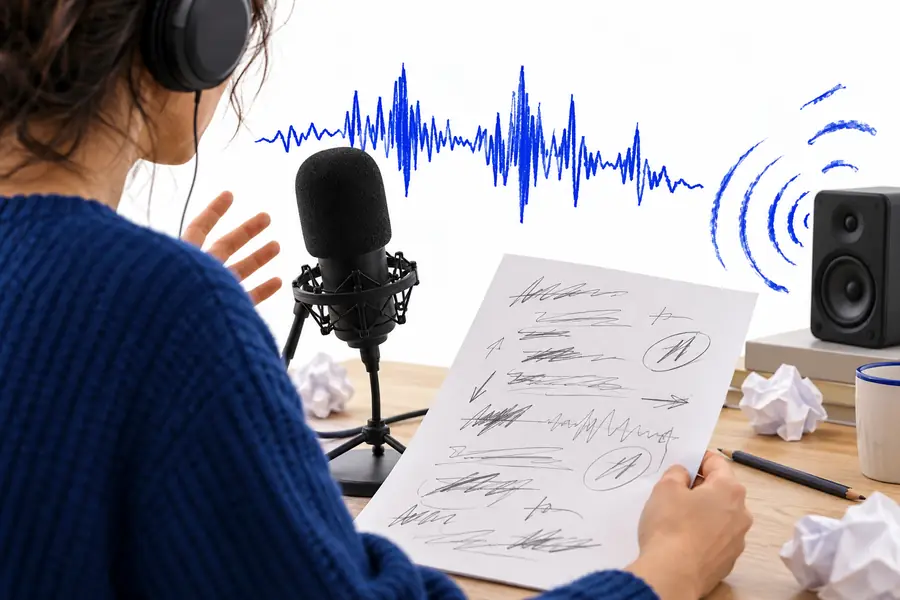
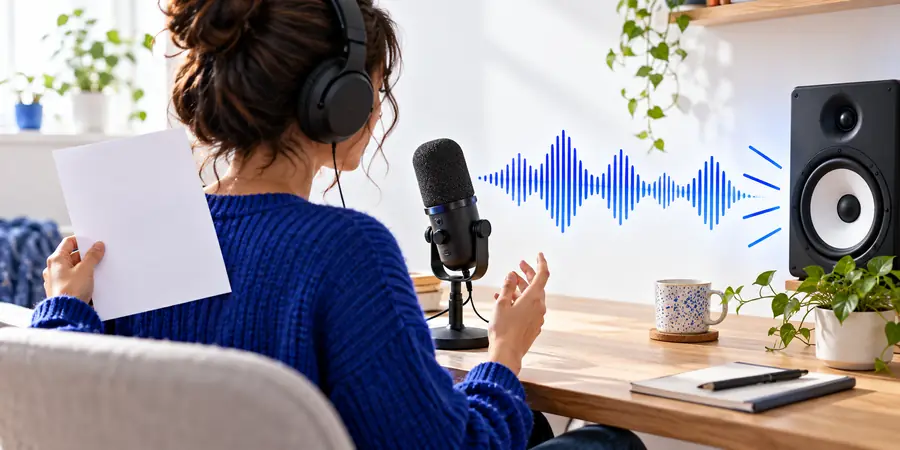
Bring a script, a short concept, or a delivery problem to the voice workspace. A focused request gives you something concrete to evaluate and revise.
Generate a voiceAnswers to common questions about starting with a focused voice-generation workflow.
It is a tool that uses artificial intelligence to turn written instructions or text into spoken audio. The useful starting point is a clear request about the content, audience, and delivery you want.
Begin with a short script or a specific description of the voice task. Submit that request, listen to the result, and revise the wording or direction if the take does not fit your project.
It can produce speech intended for practical listening, but naturalness depends on the text, pronunciation, pacing, and requested delivery. Always review the complete result rather than assuming the first take is ready.
Common starting points include narration drafts, course audio, game dialogue references, podcast intros, and short announcements. The route is most useful when you have one defined output in mind.
Not always. You may still need editing, music or effects, loudness checks, permission review, and a final listen before using the audio publicly.