Audio transformation
Voice ai voice changer for controlled voice changes
A voice ai voice changer can reshape the character of spoken audio while keeping your words and timing recognizable. Start with a short recording, describe the intended sound, and review the result before using it in a project.

Related voice AI tools
Prerequisites
A reliable voice-change pass starts with clean source audio and a precise description of the intended result.
-
1
Prepare a clean source
Use a recording with understandable speech, limited background noise, and one consistent speaker. A short test clip makes differences easier to judge.
-
2
Describe the target
Specify traits such as higher or lower pitch, brighter or darker tone, softer delivery, or a more authoritative presence. Keep the request focused.
-
3
Listen and refine
Compare the transformed clip with the source, then adjust the description if pronunciation, pacing, or identity has shifted too far.
One full run-through
The practical workflow is a short loop: source, instruction, review. These checkpoints keep the change intentional instead of turning into a vague effect.
- 1 Start from one understandable recording
- 01 source
- 2 Compare the original and transformed versions
- 02 passes
- 3 Review tone, words, and pacing before use
- 03 checks
Before and after
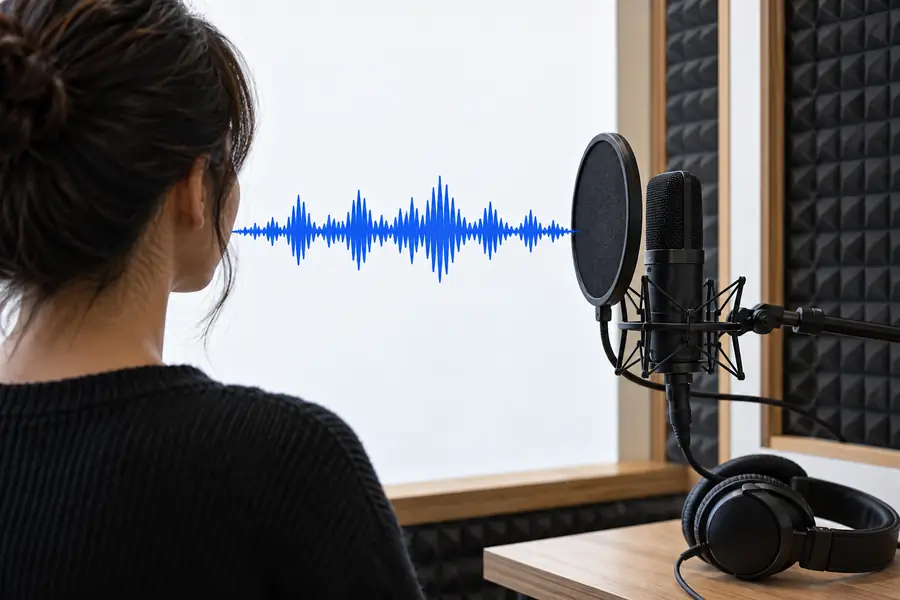
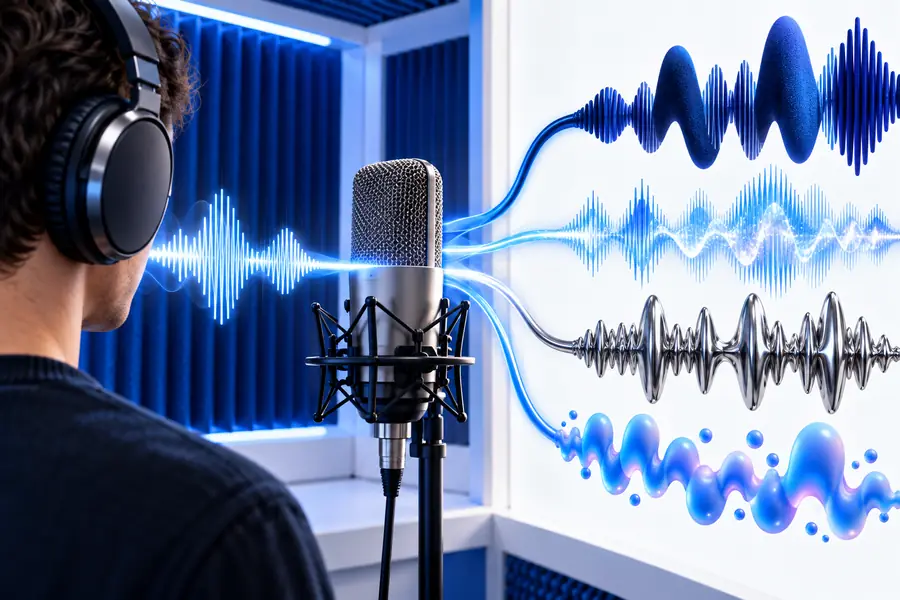
A useful comparison keeps the spoken content constant so you can judge the voice change rather than a different script or performance.
- Original voice
- Changed voice
The strongest result changes the requested vocal character without obscuring the words.
What fails
Voice transformation is not a substitute for a clean performance, a careful edit, or permission to imitate a real person.
-
Noisy recordings stay difficult
Room echo, music, overlapping speakers, and heavy background noise can survive the transformation or make speech less clear.
WorkaroundTrim the source to a cleaner passage and reduce competing sound before trying again.
-
Ambiguous prompts produce broad changes
A request such as “make it better” does not define pitch, tone, energy, or delivery, so the output may not match your intent.
WorkaroundName two or three concrete traits and identify what must remain unchanged.
-
Identity imitation needs care
Changing a voice does not remove consent, privacy, or impersonation concerns when the result is meant to resemble a real person.
WorkaroundUse your own voice or an authorized voice, and label transformed material when context requires it.
-
It may not fix the performance
A flat read, incorrect pronunciation, or poorly timed pause can remain even after the vocal character changes.
WorkaroundEdit the script or record a stronger source before applying another transformation.
Options table
Choose the approach according to what you already have: a recording to transform or a script that still needs a voice.
Voice changer
Text-to-speech
Starting input
Voice changer
Existing spoken audio
Text-to-speech
Written text or script
Main purpose
Voice changer
Alter the character of a recorded voice
Text-to-speech
Create speech from text
Words and timing
Voice changer
Usually retained from the source performance
Text-to-speech
Generated from the script and chosen delivery
Best for
Voice changer
Reworking narration, demos, or recorded dialogue
Text-to-speech
Producing a first voice track from copy
Performance control
Voice changer
Keeps the source speaker’s phrasing and pauses
Text-to-speech
Depends on the generated interpretation
Main risk
Voice changer
Unclear source audio can reduce intelligibility
Text-to-speech
The delivery may not match an existing performance
When to choose it
Voice changer
You like the take but want a different vocal character
Text-to-speech
You need speech and do not have a recording
Try a more deliberate voice workflow
Bring a short, clear recording and a specific change request. The result is easier to evaluate when you know which traits should move and which parts of the performance must stay intact.
Change a voice- Start with your own or authorized audio
- Compare the source with the transformed result
- Refine one vocal trait at a time
FAQ
It is a tool that transforms the vocal character of existing spoken audio. Depending on the workflow, you can request changes to qualities such as pitch, tone, brightness, depth, or delivery while keeping the spoken content broadly recognizable.
Pitch and tone are common goals for voice transformation, but they are not the same thing. A clear instruction should say whether you want a higher or lower pitch, a brighter or darker tone, or both.
No. A voice changer starts with recorded speech and transforms that performance, while text to speech starts with written words and generates spoken audio. Choose the changer when you want to preserve an existing take’s phrasing or timing.
Use a clean recording, make one focused request, and compare the result with the source. Avoid stacking many conflicting traits; refine the output by changing one quality at a time.
You should not use transformed audio to impersonate a real person without permission. Use your own voice or an authorized voice, and consider clearly identifying altered audio when listeners could be misled.