Tutorial narrator
The upload is rejected or the available tool accepts text but not recordings.
Check the stated file requirements. If matching your voice is unnecessary, use a script-to-speech workflow instead.
text to voice aiVoice cloning guide
If you searched for voice cloning ai free, start by checking whether a tool accepts recordings and permits cloning on your chosen access level. Use only your own voice or a speaker's voice with clear permission.
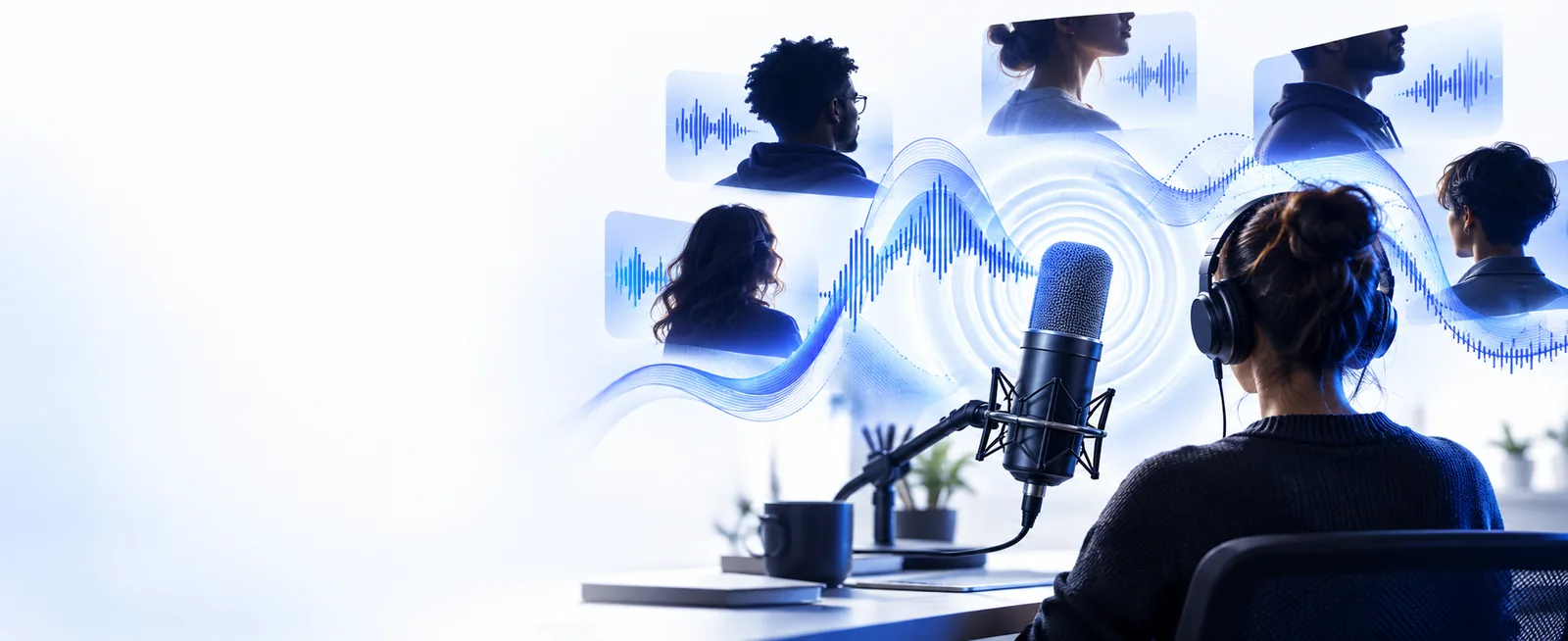
Cloning is useful only when the output needs to resemble a particular consenting speaker. Other voice tasks may need a simpler tool.
A voice tool is not automatically a cloning tool. Check its current import options, usage terms and output controls before sharing a recording.
A tool can offer generated speech without accepting a source recording. A free entry point also does not establish that cloning is included.
WorkaroundVerify the tool's current cloning and access terms before preparing an upload.
Music, overlapping speakers and heavy noise can obscure the traits a model would need to learn.
WorkaroundRecord one consenting speaker in a quiet room and listen to the raw clip first.
Convincing synthetic speech can be mistaken for a real statement by the speaker.
WorkaroundLabel synthetic audio clearly and do not use it to imply an endorsement or conversation that never happened.
These preparation steps apply if the tool you choose actually supports recording-based cloning; its controls and accepted files may differ.
Record your own voice or obtain the speaker's explicit agreement for this use. Agree on where the resulting audio may be published before submitting a sample.
Use a recording with one speaker, little background sound and no long stretches of silence. Keep an untouched copy so you can compare it with any processed version.
Review the tool's supported file types and consent requirements, then import only if cloning is offered. Test a short, neutral script and listen for unclear words or misleading likeness.
A rejected or disappointing sample does not always call for another upload. First identify whether the problem is the file, the recording or the task itself.
The upload is rejected or the available tool accepts text but not recordings.
Check the stated file requirements. If matching your voice is unnecessary, use a script-to-speech workflow instead.
text to voice aiA spoken sample produces an unsuitable result for a sung line.
Treat singing as a separate task: pronunciation, pitch and sustained notes need a music-oriented workflow.
ai singing voice generator freeSeveral voices overlap in the sample, making the intended speaker hard to isolate.
Record a clean single-speaker take, or explore voice customization if you do not need to reproduce a real person's identity.
free custom ai voiceA saved voice sample is being used to expect an interactive conversation.
Separate voice identity from turn-taking; a conversational experience needs chat behavior as well as speech.
ai voice chat onlineVoice Ai can take you to the voice tool to inspect its current capabilities. Confirm that recording-based cloning is supported, read its consent and access terms, and begin with a short sample you are authorized to use.
Explore voice optionsThat depends on the tool's current access terms. A free entry point does not necessarily include recording uploads, cloning or usable exports, so check what is offered before submitting audio.
Start with clear speech from one consenting speaker in a quiet space. Avoid background music and overlapping voices, and follow the tool's stated requirements for file type and sample length.
The file may use an unsupported format, fail an upload requirement or contain audio the tool cannot process. Check the displayed error and the tool's documentation before trying a different recording.
Only submit another person's voice when you have their clear permission for the intended use and the tool allows it. Do not use synthetic speech to impersonate them or suggest they said something they did not say.