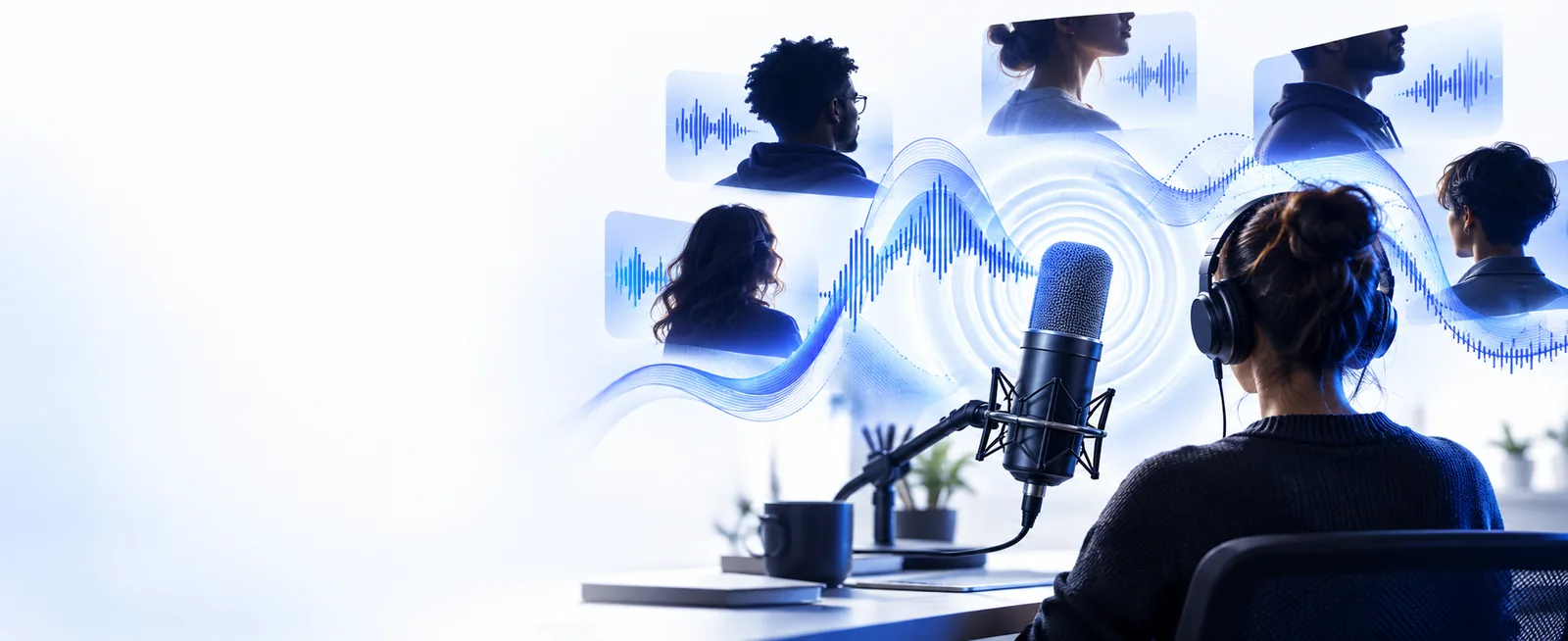
Creator workflow

Create Better Videos With voice ai youtube

Use voice ai youtube workflows to move from a rough idea to a clear, publish-ready video voiceover. This guide focuses on practical production choices, review points, and responsible publishing.

Review before publishing
Voice AI workflow for creating YouTube narration

The YouTube voiceover bottleneck

YouTube production often slows down between the script and the edit: narration takes time, revisions are awkward, and every claim still needs a human check.

Explainer creator

A researched script needs steady narration with clear pacing and enough variation to keep a viewer oriented.

Generate a draft voice track, then spend editing time on structure, visuals, and fact checking instead of repeated takes.

voice ai text to speech
Short-form publisher

A creator has several short scripts but limited time to record separate openings, transitions, and calls to action.

Prepare consistent voice drafts for each YouTube Short and revise wording before committing to a final edit.

voice ai online

Gaming channel

A channel needs commentary, scene introductions, or accessibility narration without recording every line during gameplay.

Build a temporary or supplementary narration layer while keeping the creator’s editorial voice in control.

voice ai discord

Music educator

A tutorial combines spoken instruction with musical examples, so narration must leave room for the important audio.

Draft concise spoken sections, mark pauses, and coordinate voice timing with the lesson’s musical moments.

best ai voice generator for music

Three concrete YouTube workflows

The strongest results come from treating voice generation as one step in a production loop, not as a replacement for scripting, editing, or review.

  1. 1

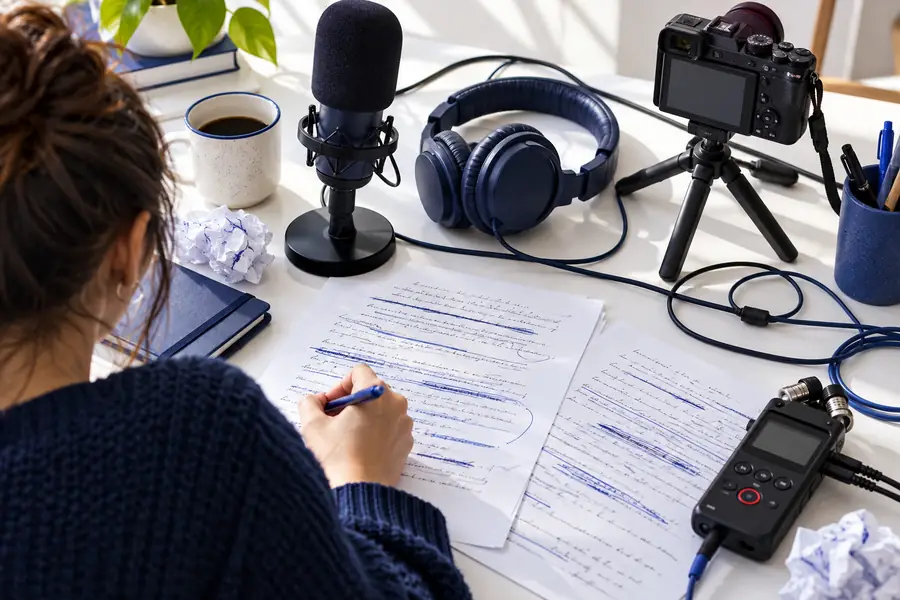
    Prepare the script

    Write for the ear rather than the page. Use short sentences, pronounceable names, clear transitions, and notes for pauses or emphasis. Keep claims and quotations easy to verify.

  2. 2

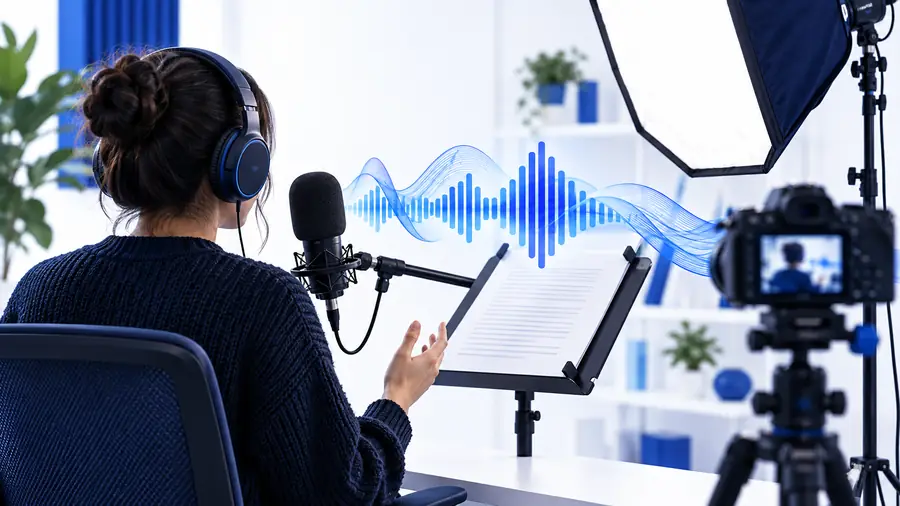
    Generate and refine the draft

    Send the prepared text into the voice workflow, listen for pacing and pronunciation, then revise the script before making another pass. Mark sections that need a human recording.

  3. 3

    Edit, review, and publish

    Place the narration beside the visuals, captions, music, and sound effects. Check timing, attribution, audience expectations, and platform rules before uploading to YouTube.

Compliance notes for YouTube voice AI

A polished track is not automatically a publishable track. The creator remains responsible for permission, disclosure, accuracy, and the way a voice is presented.

  • It cannot replace consent

    A generated voice should not imitate a real person in a misleading way or use someone’s identity without appropriate permission.

    WorkaroundUse an authorized voice, a clearly fictional voice, or your own recorded material, and keep evidence of permission where relevant.

  • It cannot verify every claim

    Voice generation reads the supplied script; it does not make research, quotations, sponsorship statements, or citations true by itself.

    WorkaroundFact check the script separately and review names, numbers, sources, and disclosures before export.

  • It cannot guarantee platform approval

    YouTube policies and audience expectations can vary by content type, voice use, monetization context, and how realistic the result sounds.

    WorkaroundReview current YouTube guidance, label synthetic or altered content when required, and avoid presenting generated speech as an authentic recording.

  • It cannot fix weak storytelling

    A natural-sounding narrator will not solve a vague hook, repetitive structure, poor audio balance, or visuals that do not support the script.

    WorkaroundImprove the outline first, then use the voice track as one editable layer in the wider production.

Example output at a glance

A useful YouTube voice draft is measurable in production terms: it should be easy to review, align with the edit, and leave clear decisions for the publisher.

1 A practical target for a focused explainer draft
60 sec
2 Script, voice, and final edit reviews
3 passes
3 A narration layer ready to align with visuals
1 track
4 Unverified claims treated as publish-ready
0 assumptions

Example output specification

Use this side-by-side check to decide whether a draft is ready for an editor or needs another writing pass.

1

Script structure

Rough voice draft

Long paragraphs with few spoken transitions

Publish-ready narration

Short sections with a clear hook, setup, and close

2

Pacing

Rough voice draft

One default rhythm across the entire video

Publish-ready narration

Pauses and emphasis placed around important ideas

3

Pronunciation

Rough voice draft

Names and technical terms not yet reviewed

Publish-ready narration

Terms tested in context and corrected where needed

4

Visual alignment

Rough voice draft

Narration exists separately from the edit

Publish-ready narration

Voice timing is mapped to scenes, captions, and cuts

5

Accuracy

Rough voice draft

Claims copied from an unchecked draft

Publish-ready narration

Facts, quotations, and sources reviewed by the creator

6

Disclosure

Rough voice draft

No decision about synthetic or altered speech

Publish-ready narration

Presentation and disclosure choices made before upload

7

Human responsibility

Rough voice draft

Output treated as the final authority

Publish-ready narration

Creator approves the script, sound, and publication

Before and after: a clearer voiceover

  • Rough draft
  • Edited narration

The improvement is editorial, not just synthetic: shorter lines, clearer emphasis, and a review pass make the output easier to use.

Unedited YouTube narration workflow
Refined YouTube voiceover ready for an edit

Build your next YouTube voice draft

Turn a finished script into a practical narration starting point, then keep the important decisions with the person who owns the channel. Use the draft to test pacing, shape the edit, and identify where a human recording or additional review is the better choice.

Create a voice draft
  • Start with a focused script
  • Review pronunciation and timing
  • Check permissions and disclosures

Voice AI YouTube FAQ

It can turn a prepared script into a narration draft for explainers, tutorials, commentary, or short-form videos. The creator still needs to review pacing, pronunciation, accuracy, sound balance, and the way the voice is presented.

A generated voice may fit a channel when its use is permitted and presented honestly. Check current YouTube requirements, avoid unauthorized imitation of real people, and make any required disclosure before publishing.

Write short, speakable sentences with clear transitions and notes for pauses or emphasis. Verify names, numbers, quotations, sponsorship language, and any claims before sending the script into a voice workflow.

It can be useful for concise openings, explanations, and transitions when the delivery stays easy to follow at a short runtime. Test the draft against captions and fast visual changes so the narration does not compete with the edit.

Improve the script first, then listen for pronunciation, pacing, emphasis, and awkward pauses. Balance the narration with music and effects, compare it with the visuals, and revise before treating the track as final.

Start creating
Start creating