Video creators
A creator has a finished outline but needs a clear narration draft before editing the timeline.
A spoken version helps reveal awkward wording and gives the edit a timing reference.
ai voice with emotion freeWritten words, spoken clearly
Voice ai text to speech turns a script, note, or prepared line into spoken audio that is easier to hear, review, and reuse. Start with a focused prompt, then refine the wording and delivery before handing the request to the voice tool.
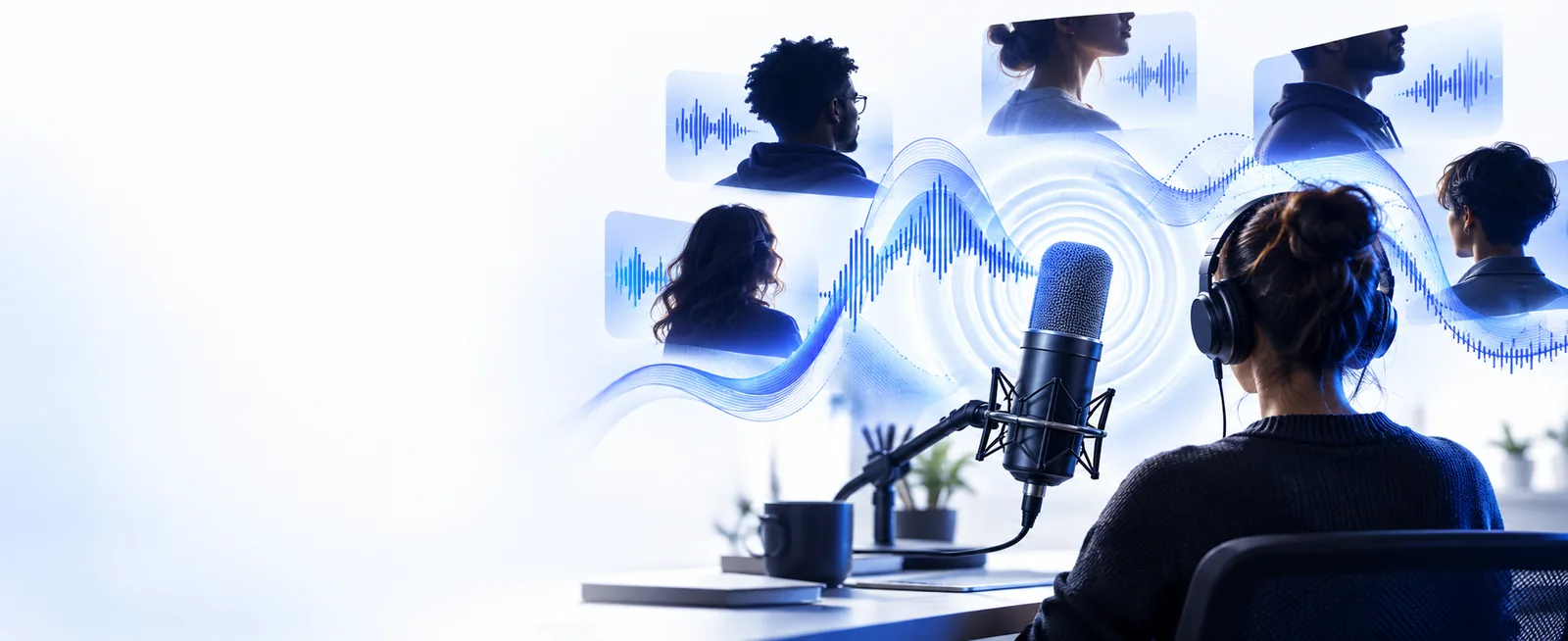
Choose the route that matches your goal: produce speech from a script, change an existing voice, or add more expressive delivery.
Voice AI can accelerate spoken-audio drafts, but it does not remove the need for clear writing, human review, or permission to use a voice.
Long sentences, unexplained abbreviations, and missing punctuation can produce awkward emphasis or pauses.
WorkaroundRewrite the copy for listening, add punctuation, and spell out terms that may be pronounced incorrectly.
A generated performance should not imitate a real person or use a protected voice without appropriate permission.
WorkaroundUse an approved voice and keep a record of the source, consent, and intended use.
The first output can sound too flat, too fast, or mismatched to the audience even when every word is correct.
WorkaroundShorten the prompt, specify tone and pacing, then review the result in context.
Narration may still need editing, timing, music balancing, accessibility checks, or pronunciation fixes.
WorkaroundTreat the generated track as a draft and complete a final listen before publishing.
The quality of the result depends on the relationship between your words, your delivery instructions, and your review pass.
Write the script for the ear rather than the page. Use short sentences, natural punctuation, and a clear pronunciation for names or technical terms.
State the audience, mood, pace, emphasis, and setting. A specific direction gives the voice system more useful context than a vague request.
Check pronunciation, pauses, tone, and timing. Edit the script or direction, then generate another version only where the performance needs work.
The difference is often less about adding more words and more about preparing the script for spoken delivery.
Clear punctuation and delivery notes give the output a stronger starting point.
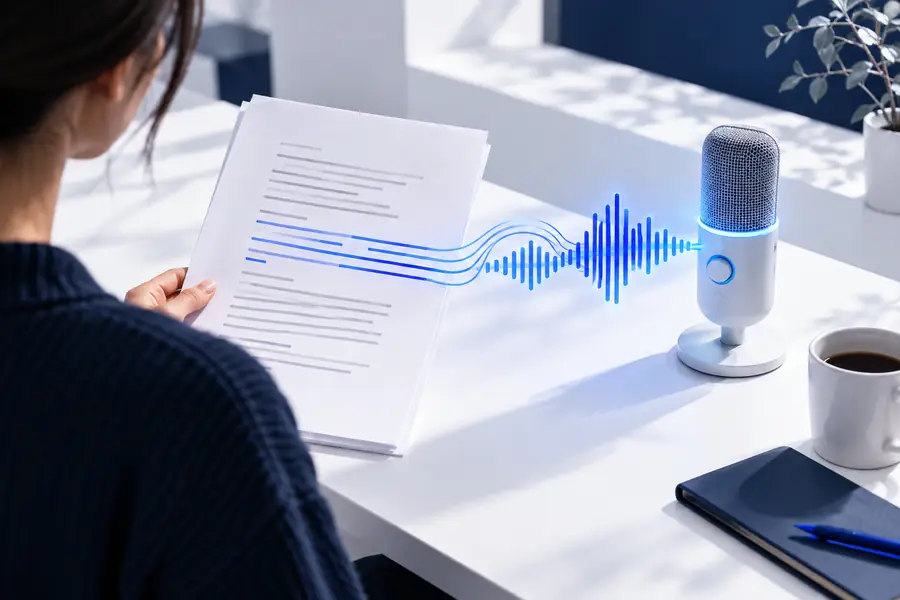
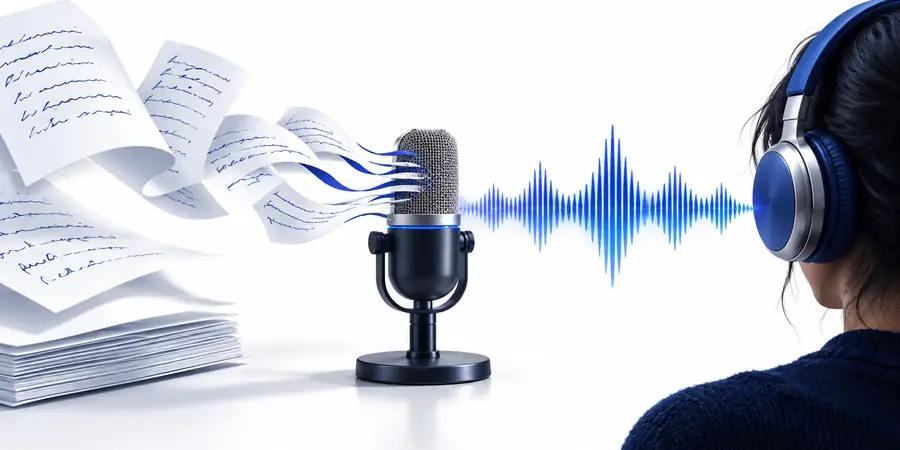
Both workflows involve synthetic voice technology, but they start with different source material and solve different production problems.
Text-to-speech
Voice changer
Text-to-speech
Written words or a prepared script
Voice changer
An existing spoken recording or live input
Text-to-speech
New speech generated from text
Voice changer
A transformed version of spoken audio
Text-to-speech
Narration, explainers, drafts, and accessibility reads
Voice changer
Live character changes, remixes, and altered performances
Text-to-speech
Wording, pacing, tone, and pronunciation
Voice changer
Voice character, transformation, and signal effect
Text-to-speech
Usually yes
Voice changer
No, if spoken input is available
Text-to-speech
Listen for pronunciation and natural phrasing
Voice changer
Listen for artifacts, clarity, and consistency
Different creators need different kinds of voice control. Pick the path that matches the source you already have.
A creator has a finished outline but needs a clear narration draft before editing the timeline.
A spoken version helps reveal awkward wording and gives the edit a timing reference.
ai voice with emotion freeA host wants a character voice for live moments rather than a new recording from written copy.
A transformation workflow is a better fit when the source is already spoken.
voice ai voice changerA team needs consistent audio drafts for onboarding, feature explanations, or internal demos.
A text-led workflow makes revisions easier because the source remains editable.
voice ai voice changerBring a short, purposeful script and describe how it should sound. Voice Ai can help you move from written copy to a reviewable spoken version, while you remain responsible for accuracy, rights, and the final edit.
Generate spoken audioAnswers to common questions about turning written language into spoken audio.
It is a workflow that uses voice AI to generate spoken audio from written text. You provide words and usually describe the intended tone, pace, or audience, then review the resulting performance.
Write for listening: use shorter sentences, natural punctuation, and explicit wording for names or abbreviations. Read the script aloud yourself before generating it so you can catch phrases that look fine on the page but sound awkward.
It can produce different delivery qualities when the prompt and selected voice support them, but the result may not match the intended feeling on the first attempt. Give concrete direction about mood, emphasis, pace, and pauses, then listen critically.
No. Text-to-speech starts with written words and creates a new spoken performance, while a voice changer starts with spoken audio and transforms its character. Choose text-to-speech for editable scripts and a voice changer when you already have a recording or live voice input.
That depends on the tool's terms, the voice used, and the rights connected to your script and project. Review permission, licensing, consent, and accuracy before publishing, especially when the output resembles a real person's voice.